







Wireless earbuds make listening simple, yet issues can still appear at unexpected moments. Pairing failures, audio dropouts, fast battery drain, and uneven sound often come from small glitches. Many of these problems are easy to fix with a few quick steps. When users understand the causes, they can restore smooth performance without stress. This guide explains clear, practical solutions to the most common wireless earbud troubles. By the end, readers will know how to troubleshoot pairing, charging, audio sync, water issues, and more.

Pairing and Connection Issues of Wireless Earbuds
Connection problems can interrupt even the best listening moments. A few common factors usually cause these disruptions.
Why Wireless Earbuds Won't Pair
Sometimes earbuds struggle to pair because the device memory is full or the earbuds are still linked to another phone. Low battery or outdated firmware can also block pairing. Clearing old connections and updating software often makes pairing smooth again.
Reset Pairing for A Fresh Connection
A reset helps earbuds forget past pairing data and start clean. Most models use a simple button press on the case or earbuds. After resetting, users can pair the earbuds like new, which solves many stubborn connection failures.
Interference Problems and How to Avoid Them
Wireless signals weaken when surrounded by crowded networks. Nearby routers, laptops, and even microwaves can cause audio dropouts. Staying away from heavy interference zones or turning off unused Bluetooth devices helps maintain steady connections.
Why One Earbud Is Not Working?
When sound disappears on one side, the cause is usually simple. Before assuming a hardware failure, users can perform easy steps to bring both sides back to normal.
Common Reasons One Earbud Goes Silent
A single earbud may stop working because of a low battery, poor contact points, or dirt blocking the speaker. Sometimes the earbuds lose sync with each other, causing uneven audio output. Another reason is low power, since one side may drain faster than the other. Older firmware can also create mismatched audio signals that mute one channel.
How to Re-Sync Earbuds
Placing both earbuds back in the case and holding the touch sensors can trigger a re-sync. Many models also offer a full system reset to bring both sides back into balance. Once reconnected, audio usually returns to normal.
Why Battery of Wireless Earbuds Drains Too Fast?
Fast battery drain often points to high-power features running in the background. With a few small changes, users can extend the runtime.
Functions that Consume Excessive Power
Strong ANC, high volume levels, and constant use of voice assistants require extra energy. Streaming music with high-resolution codecs can also drain the battery faster than expected.
How to Extend Battery Runtime with Optimized Usage
Lowering volume, turning ANC to a lighter mode, and disabling unused features preserves energy. Keeping earbuds clean and charging contacts dry ensures stable charging and better long-term performance.
Why are Waterproof Wireless Earbuds Not Working After Showers?
Waterproof earbuds can handle direct water, but they are not built for hot showers. Steam can seep into tiny internal gaps where liquid water cannot. Over time, this moisture causes gradual corrosion of internal components, leading to weakened sound, connection issues, or complete failure. Even if the earbuds survive splashes, long-term steam exposure will slowly break down their internal structure. Avoid wearing them in the shower to keep them working well.
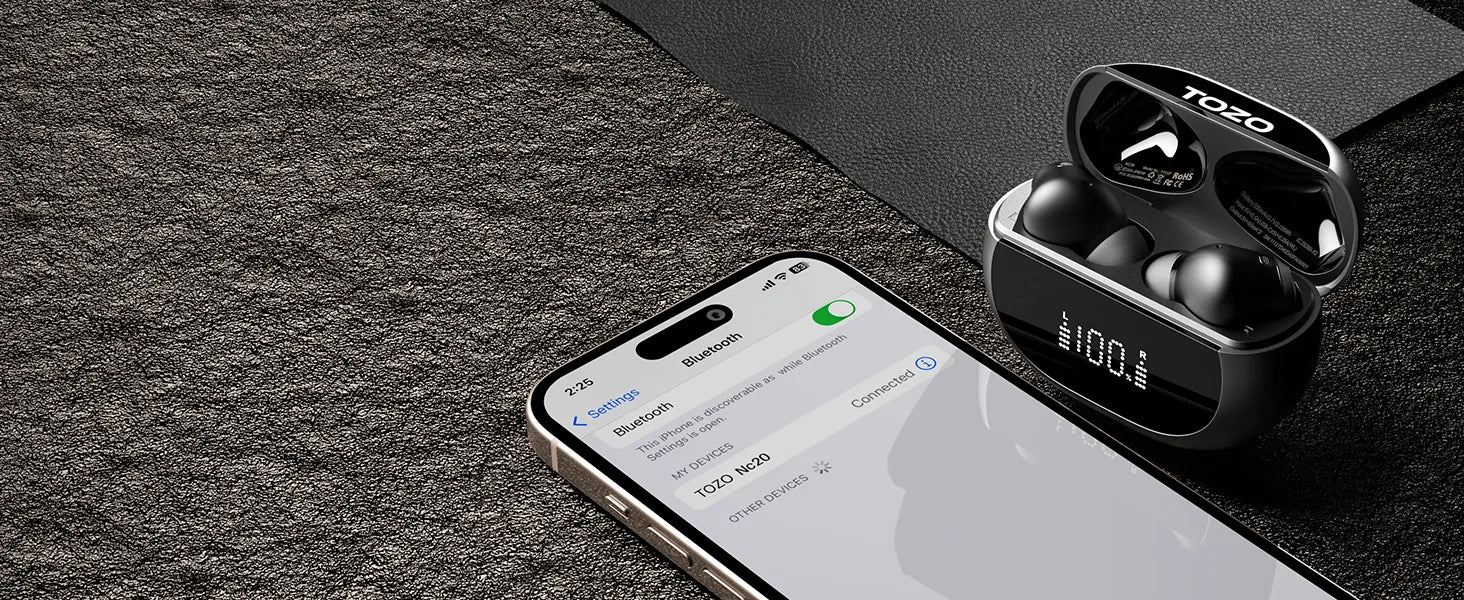
TOZO NC20: 2025 Latest Wireless Earbuds that Ensure You Worry-Free Listening Experiences
The TOZO NC20 is built to solve the most common problems found in everyday earbuds. From stable connections to immersive sound, every detail is crafted for dependable performance.
Premium Grade Sound Quality
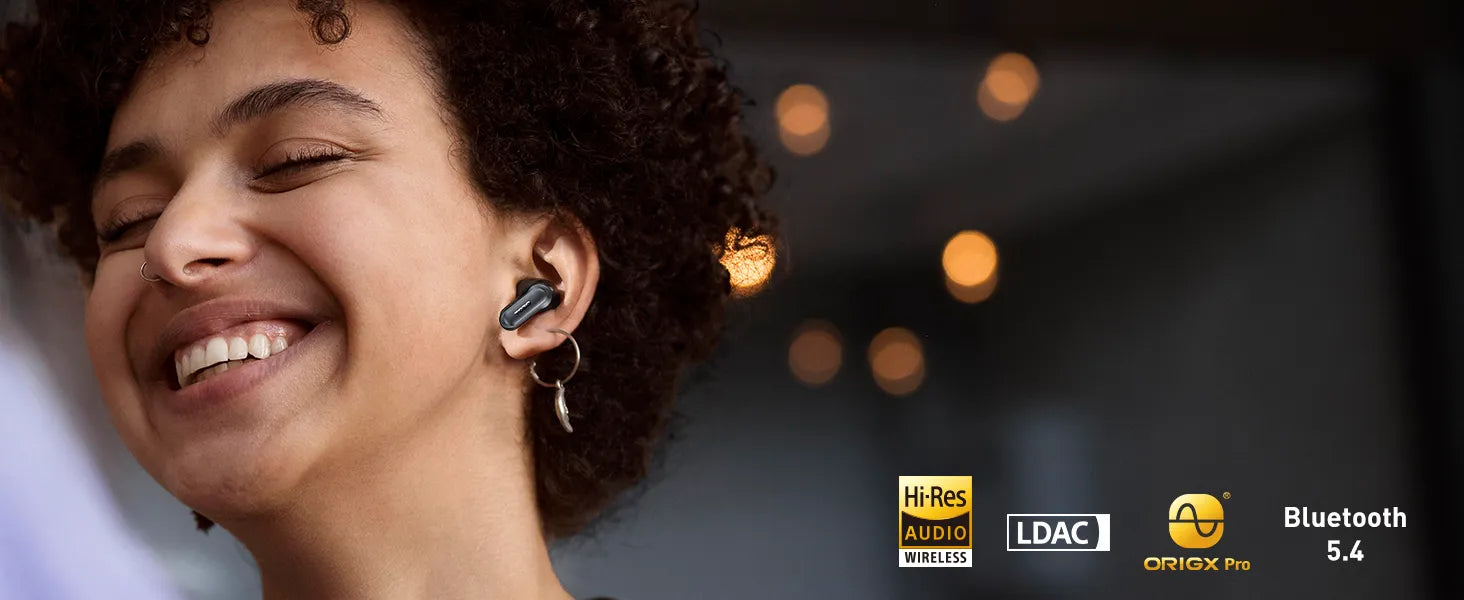
The NC20 delivers high-fidelity sound through its SDLC™ diaphragm, which blends a flexible PU base with a titanium dome for fast, precise response. A DLC carbon coating boosts stiffness and reduces distortion, while dual neodymium magnets strengthen control across all frequencies. Its 12 mm driver produces clear treble, smooth mids, and deep bass. With LDAC support, the NC20 achieves true Hi-Res audio quality.
Top Noise Cancellation Performance
NC20 delivers strong noise control with a hybrid ANC system that blocks a wide range of steady and sudden sounds. Its adaptive ANC automatically adjusts the cancellation level based on the surrounding environment, keeping audio clear whether you are on a plane, in an office, or walking outdoors. With up to 52 dB of noise reduction strength, the earbuds create a quiet space for focused listening and clearer calls.
Seamless Connection
The TOZO NC20 uses the latest Bluetooth 5.4 platform to keep connections stable and responsive. It supports Multipoint Connection, allowing smooth switching between two devices without delay. After the initial setup, One-Step Pairing makes daily use effortless. Simply open the charging case, and the earbuds connect instantly, giving you a fast and trouble-free start every time.
Extended Battery Life
The NC20 delivers long-lasting power for all-day use. With ANC off, it offers up to 16.5 hours per charge and an impressive 80 hours with the case. With ANC on, it still provides 12.5 hours per charge and 63 hours in total with the case. This extended endurance makes it reliable for travel, work, and nonstop listening.
Conclusion
Most wireless earbud issues can be fixed with simple steps. Understanding pairing, battery care, moisture protection, and connection stability helps users maintain better performance every day. With models like the TOZO NC20, listeners can enjoy a smoother, more reliable audio experience.


